Basic Computer Literacy
Introduction to Computers (Hardware & Software)
Operating Systems (Windows/Linux Basics)
MS Office Suite (Word, Excel, PowerPoint)
File Management and Digital Storage
Basic Troubleshooting
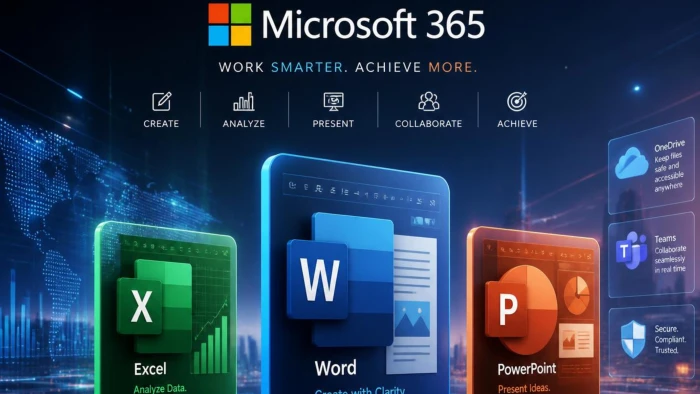
The MS Office Course is designed to provide students with practical knowledge of the most widely used Microsoft Office applications. This course helps learners develop essential computer skills required for office administration, data management, documentation, presentations, and business communication.
Students receive hands-on training in Microsoft Word, Excel, PowerPoint, Outlook, and basic computer operations. The course focuses on creating professional documents, managing spreadsheets, analyzing data, preparing presentations, handling emails, and improving workplace productivity.
With practical assignments and real-world projects, students gain the confidence to use
This course is ideal for students, job seekers, working professionals, and entrepreneurs who want to improve their computer proficiency and enhance their career opportunities in today's digital workplace.
MS Office efficiently in academic, business, and professional environments.
Computer Fundamentals
Microsoft Word
Microsoft Excel
Microsoft PowerPoint
Data Entry & Data Management
Introduction to Computers (Hardware & Software)
Operating Systems (Windows/Linux Basics)
MS Office Suite (Word, Excel, PowerPoint)
File Management and Digital Storage
Basic Troubleshooting
Introduction to Canva
Canva Interface & Design Tools
Graphic Design Fundamentals
Video Editing in Canva
AI Tools & Magic Studio
s & Magic Studio Photo Editing & Background RemovaL
Introduction to AutoCAD
User Interface & Workspace
2D Drafting & Drawing Tools
Dimensioning & Annotation
Editing & Modification Commands
3D Modeling Basics
Layouts & Plotting